Data
The Data page proivdes a way to quickly view Project data in both tabular and map formats.
It is particularly usefule for verifying updates as well as simple access to data.
Usage
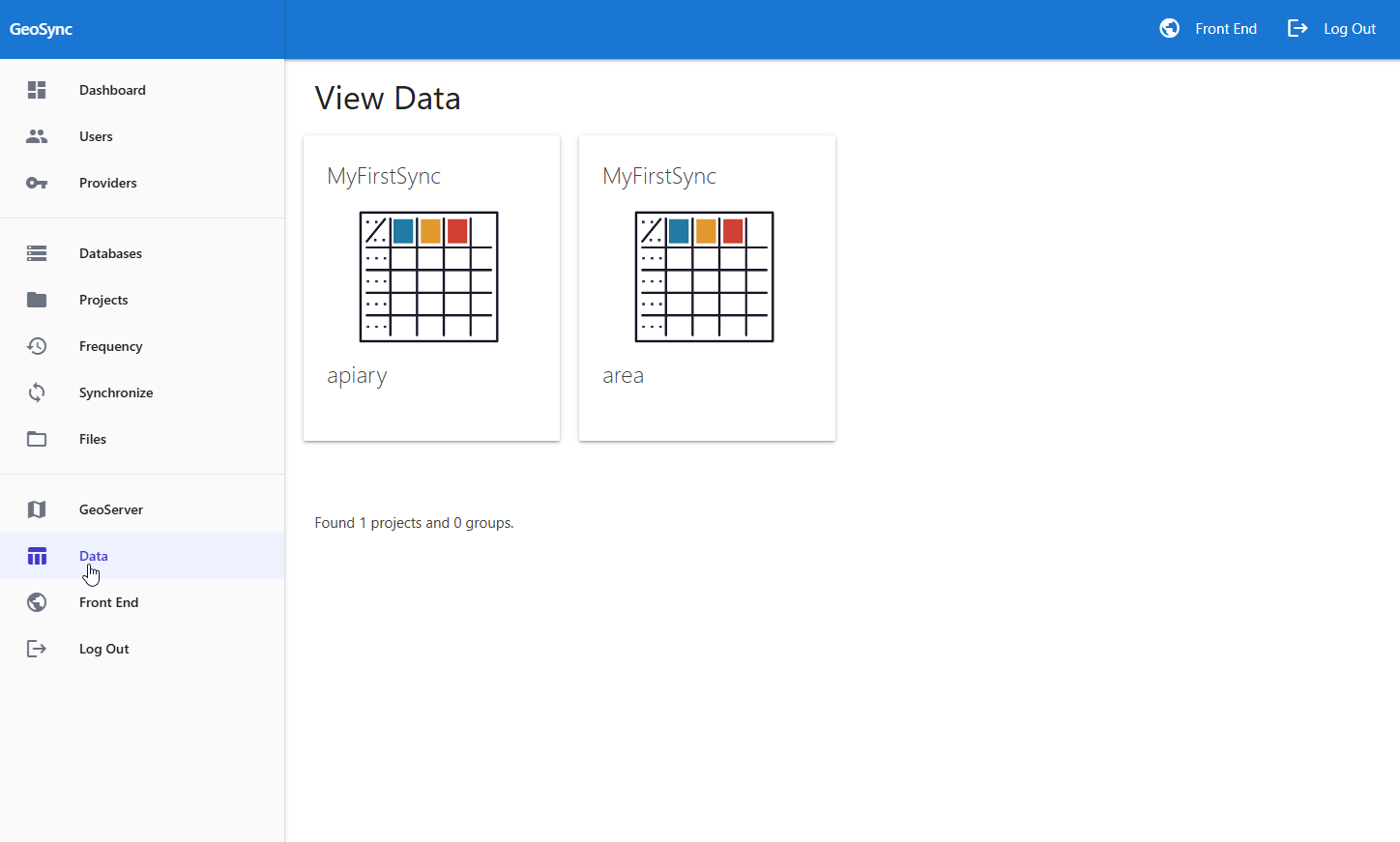
On the Data page, click the Project you wish to view as shown below
The data is displayed as a map and can also be opened in table format.
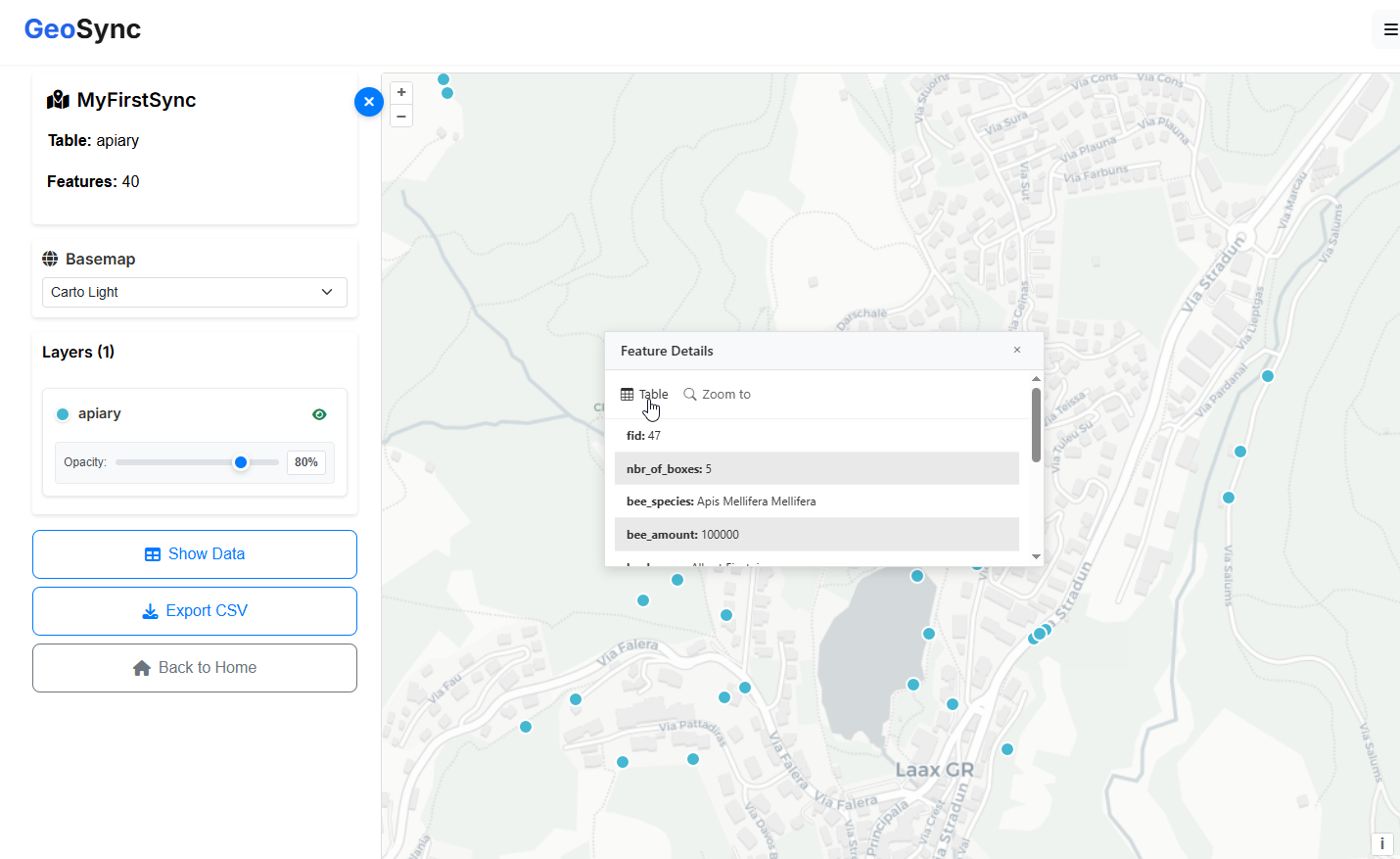
You can also export to CSV using the left menu.
Multiple GeoPackages
A data link will be displayed for each GeoPackage contained in a Project.