Sync Service
The Synchronize/Services page is where you can start, stop, and enable services as well as view log files.
Usage
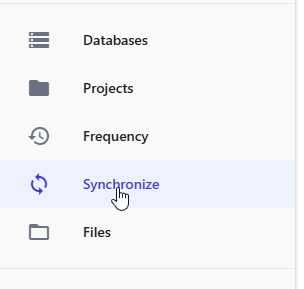
Click the Synchronize button on the left menu.
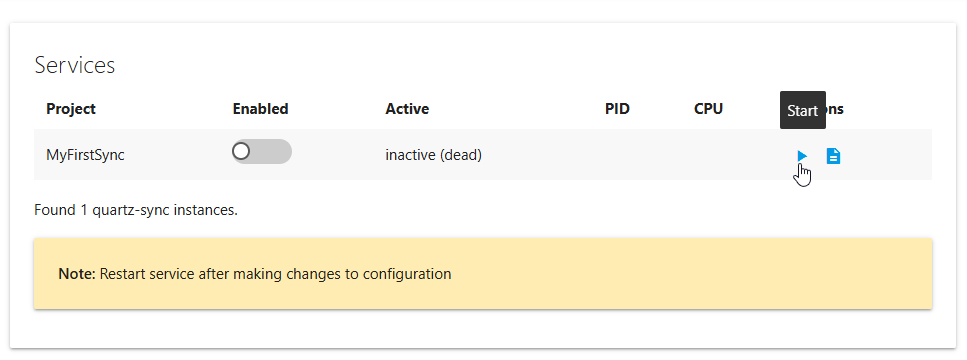
To start or stop the service, use the Stop/Start button under Actions at right.
To enable a Service at boot, use the toggle button as show below:
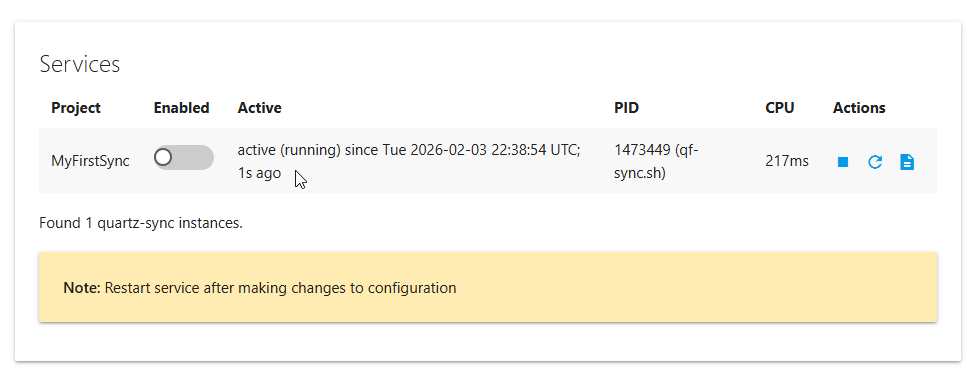
Running services will display run status and information
You can also view Logs for the service via the Logs icon in the Action section
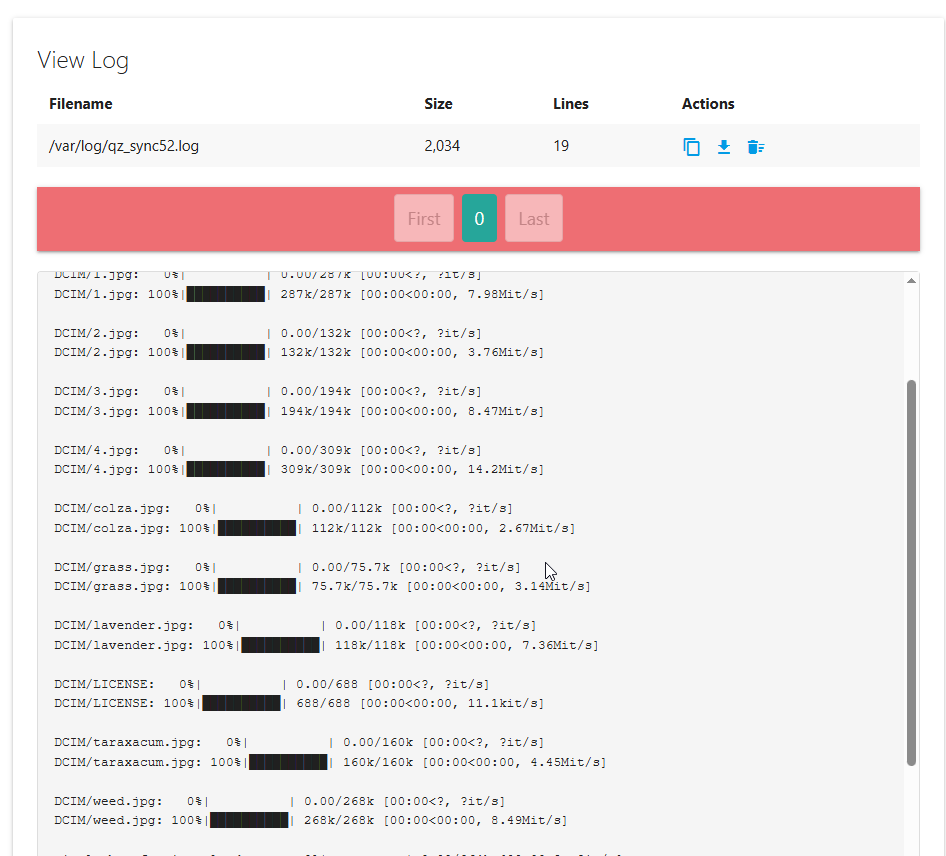
You can download as well as clear the log file using the Actions at right on the log file page.