Databases
The Database page is where you can create PostGIS databases, as well as connect to existing PostGIS databases.
Usage
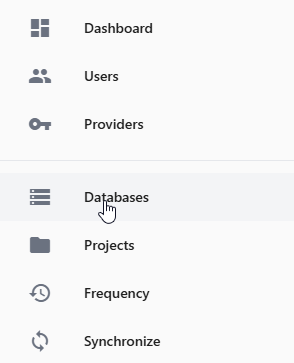
To create a Database, click the Database link in the left menu
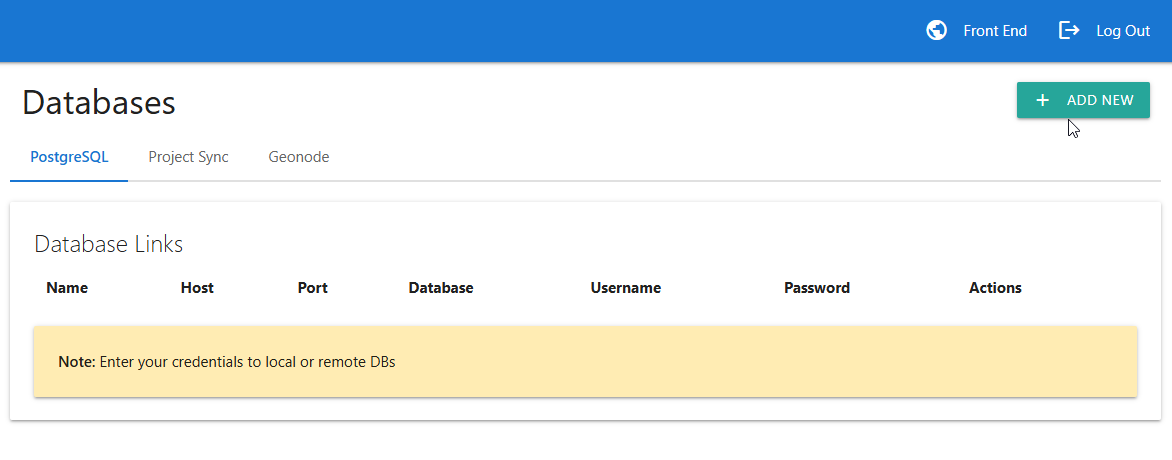
Click the “Add New” button at top as show below:
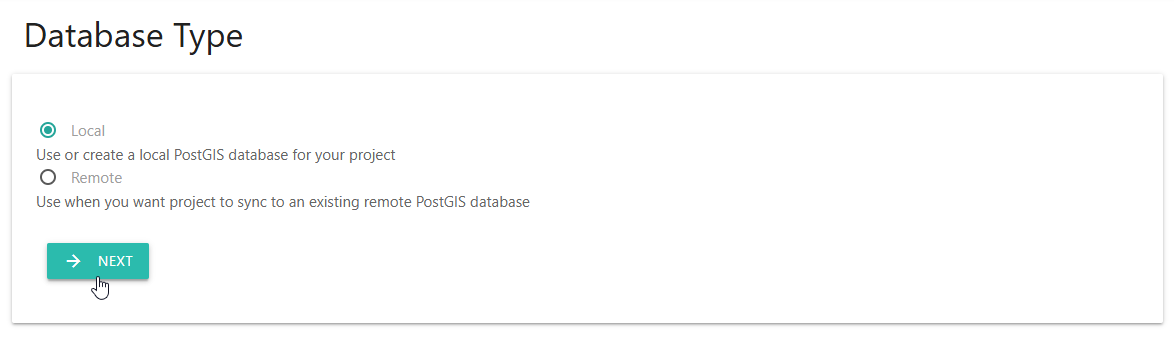
Select Local or Remote. In our example, we’ll select Local. Click Next
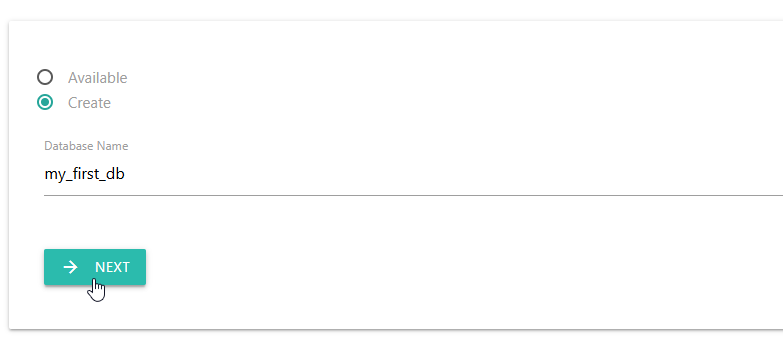
Select whether to create a new PostGIS database or use an existing local PostGIS database. We’ll select Create.
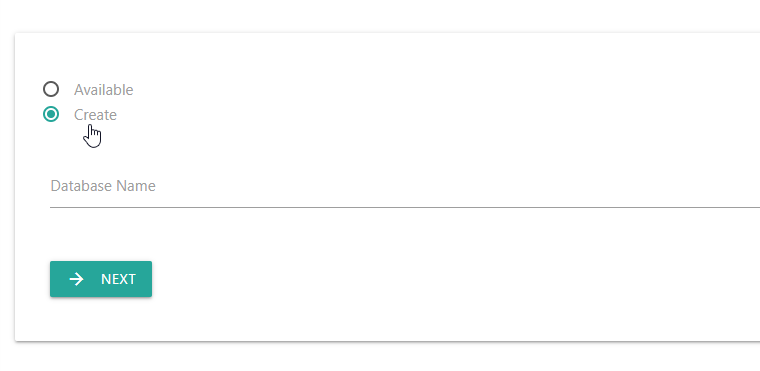
Give the new database a name and click Next
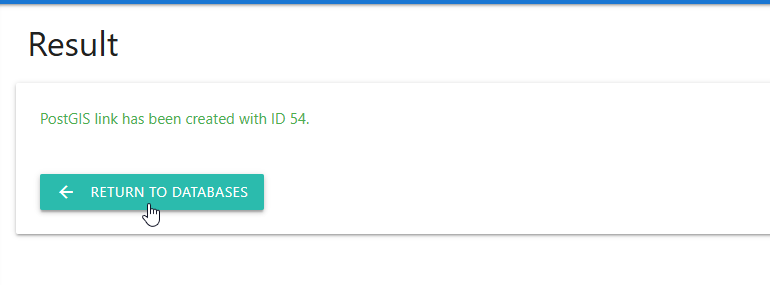
The new local PostGIS database has now been created
You can view the connection information for the database using the info icon.
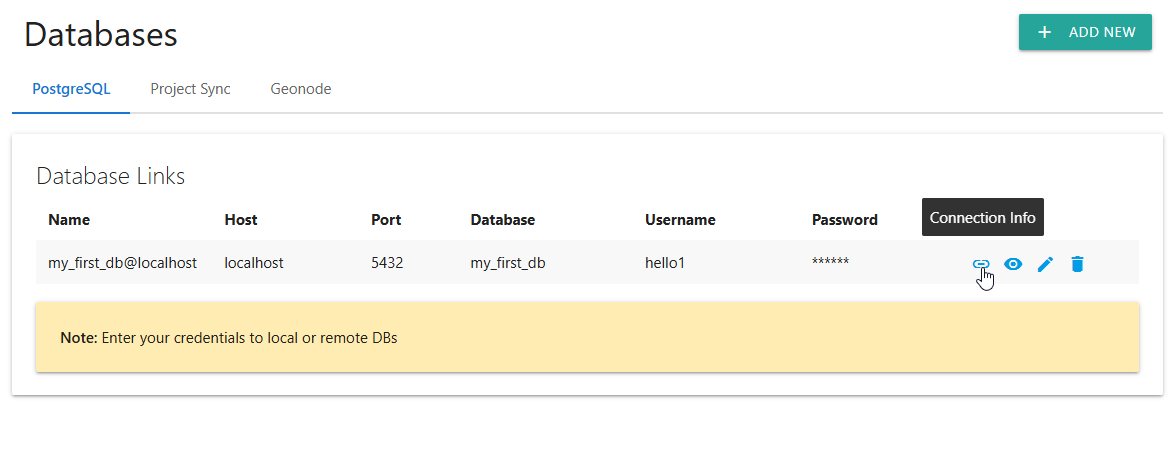
You can also edit or delete the database using the action icons at right.