GeoSync
GeoSync syncronizes data from QFieldCloud, Mergin Maps, and Survey123 to PostGIS.
It works with all versions of QFiedlCloud (hosted or self-hosted), Mergin Maps (Team Account or self-hosted), and ArGIS Survey123
Data can be synchronized to existing PostGIS databases or you can create new PostGIS databases.
Contents
- Introduction
- Login
- Quick Start
- 1. Log In
- 2. Click the Setup Wizard.
- 2. Select QFieldCloud, Mergin Maps, ArcGIS Survey123 or Self-Hosted.
- 3. Enter your username and password and click Next.
- 4. Click Connect
- 5. Select the QGIS Project to sync. Optionally, you can change the sync interval
- 5. Click Create
- 6. You are ready to start Synchronization. Click
- 7. On the Service page, click Start
- 8. Your QGIS Project is now being synchronized to PostGIS
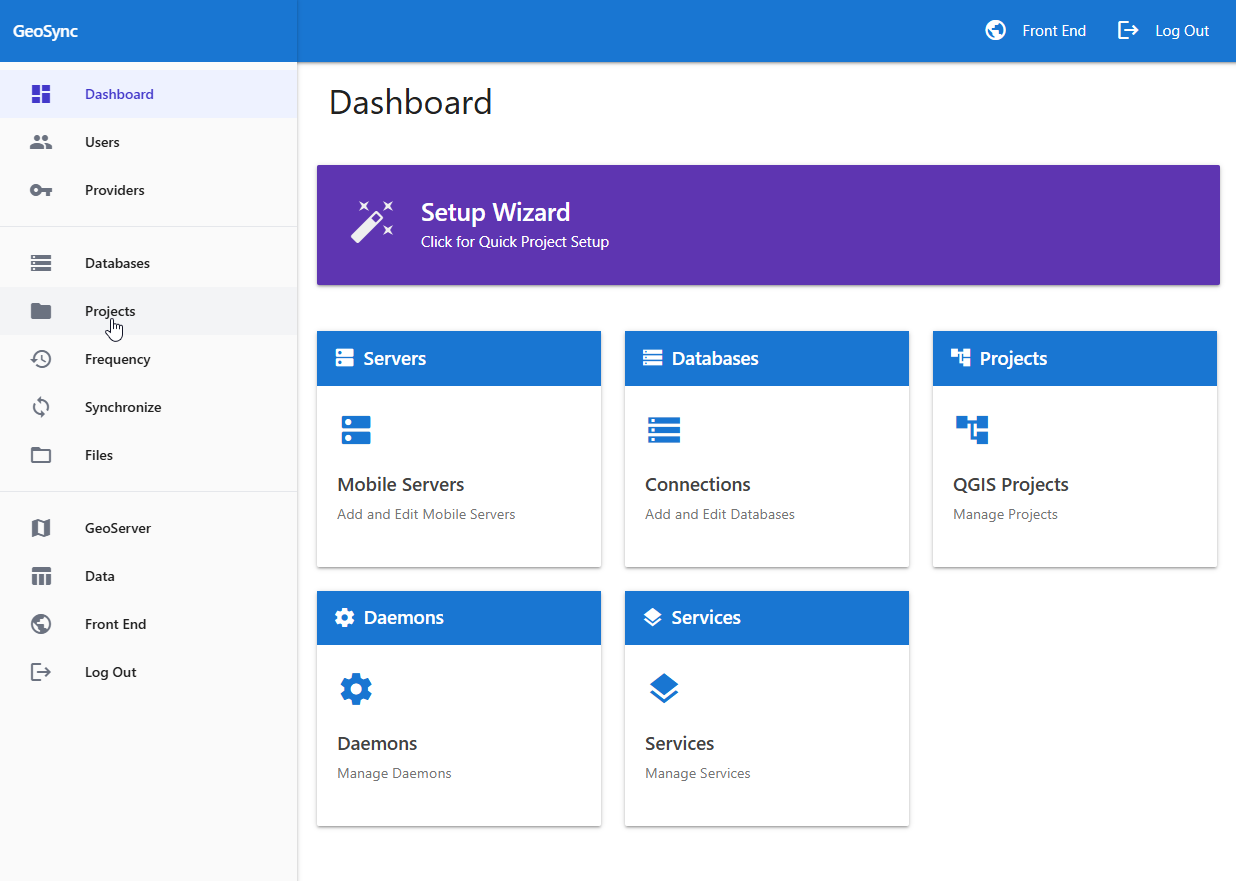
- Dashboard
- Providers
- Databases
- Projects
- Daemons
- Sync Service
- Files
- Data
- Front End