Providers
The Provider page is where you add your QFieldCloud, Mergin Maps, and ArcGIS Survey123 server(s)
The applies whether the instance(s) is self-hosted or uses the Provider directly.
You can add an unlimited number of Providers
Usage
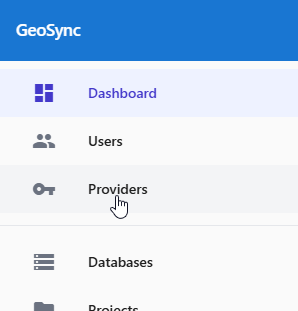
On the left menu, click Providers
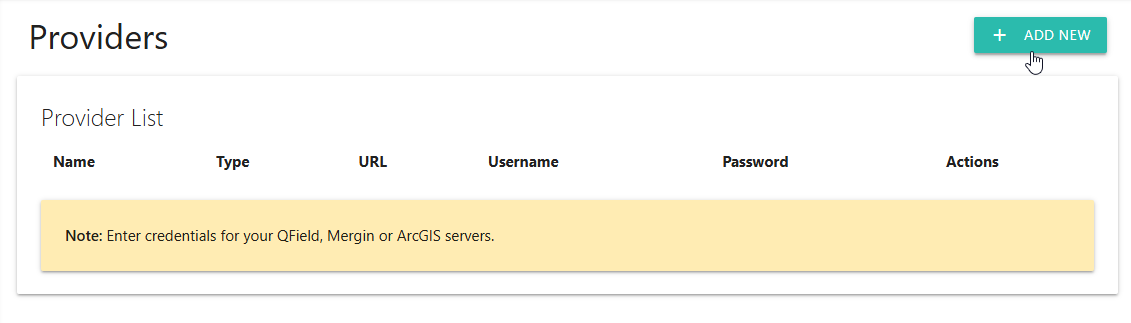
Click the “Add New” button at top right.
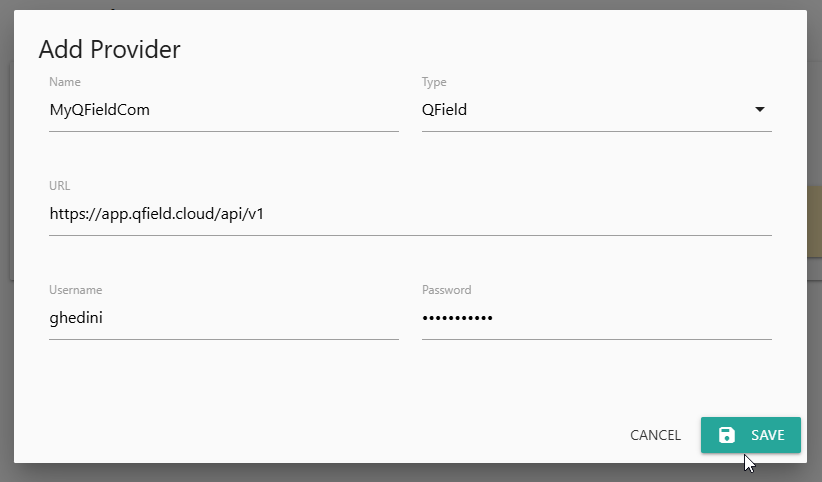
Give the entry a name, select Provider type (QField, Mergin Maps, or Survey123)
Pay attention to the url entered.
Enter the required information and click Save
The Provider is now registered and you can now select Project(s) to synchronize with the Projects menu or Wizard
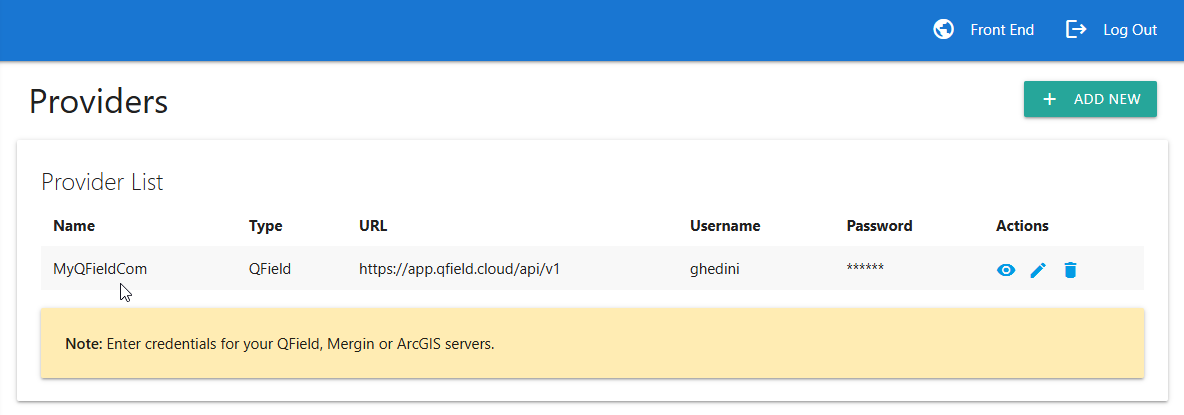
Actions
The Actions sections allows you to:
View Admin Password
Edit Provider information
Delete Provider