Projects
The Project page is where you can add, edit, and delete your QGIS Projects.
Usage
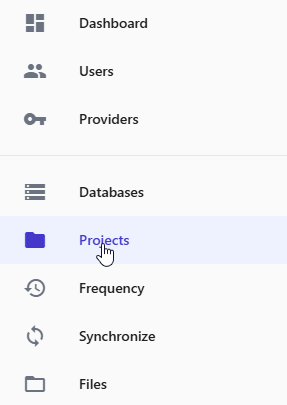
To add a Project, click Projects in the left menu
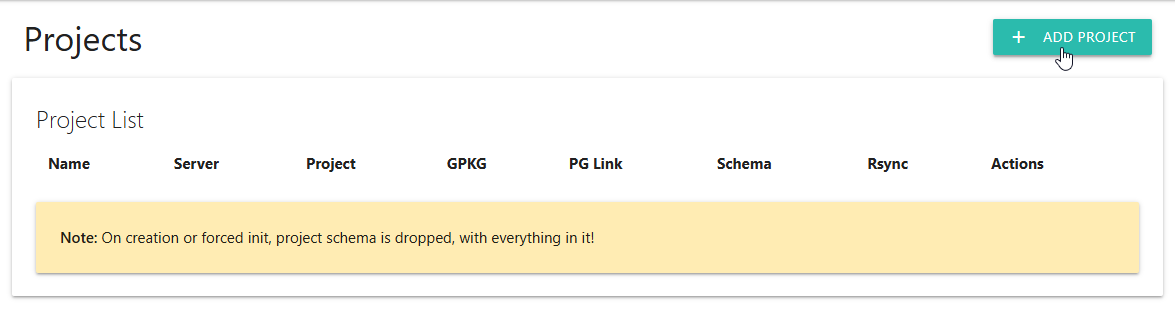
Click the “Add Project” button at top as show below:
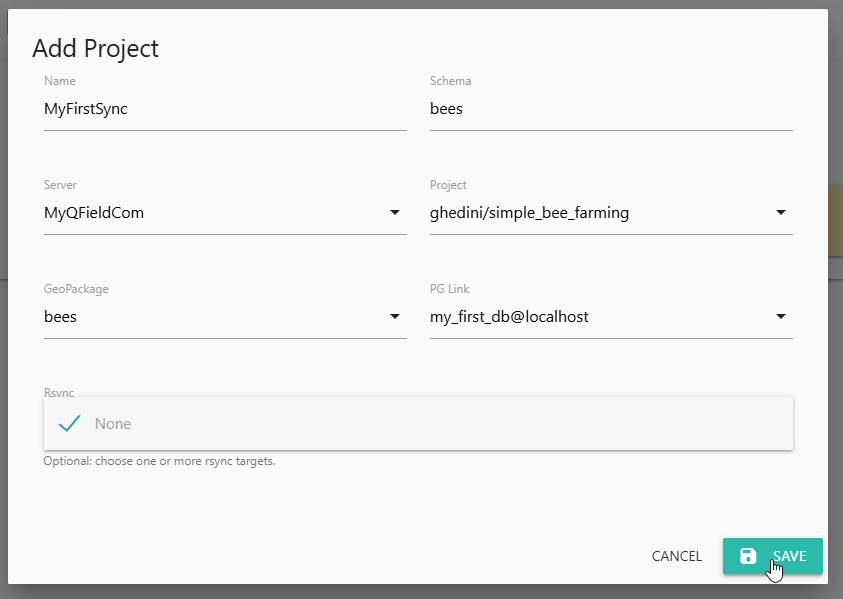
Give the Project a name and use the dropdowns to select the desired value for each field.
Click Save.
Your Project has now been added
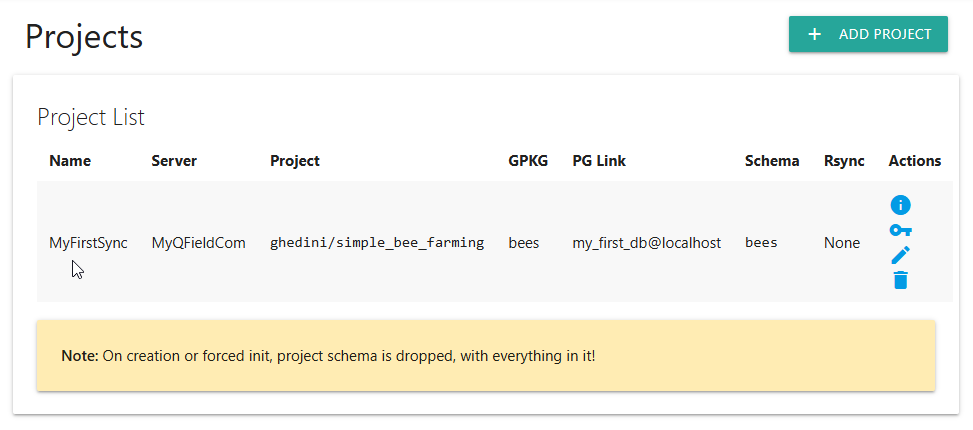
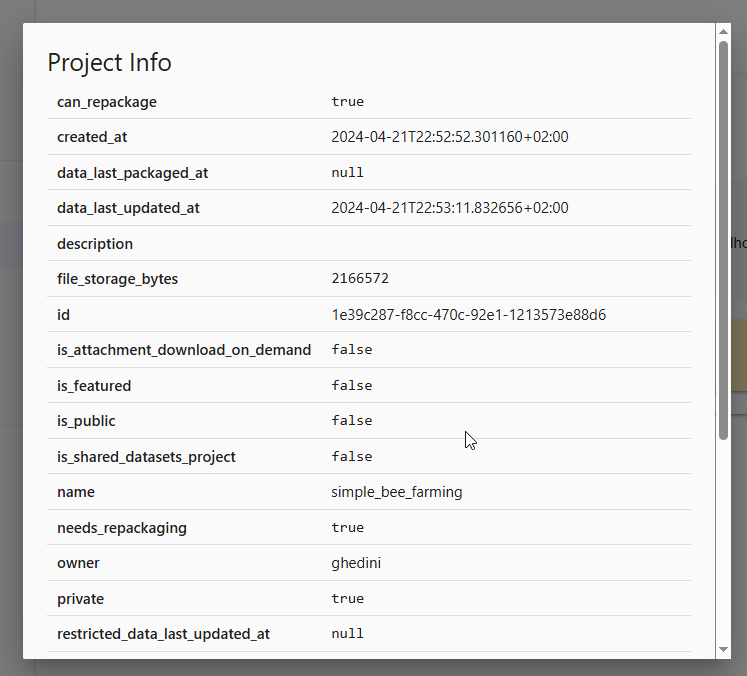
The Project info icon at right displays Project information.
Enter the required fields as shown below.